From a client configuration
to a working enquiry flow.
Follow Brightline Build, a fictional construction business, through four parts of the engine. No call or email is needed to explore.
This is a guided tour of real local screenshots and demo configuration, not a live interactive deployment. Request records used a temporary in-memory store. It does not demonstrate production email delivery or database persistence.
1. Configure the client
The engine’s client-creation tool generated this demo configuration from an existing preset. Branding, business details and content are then supplied in the client folder.
- Fictional client
- Brightline Build
- Business preset
- Construction
- Presentation style
- Vantage
- Site feature tier
- Full
These settings determine the client site. They are separate from the commercial terms of an agency licence.
2. View the client website
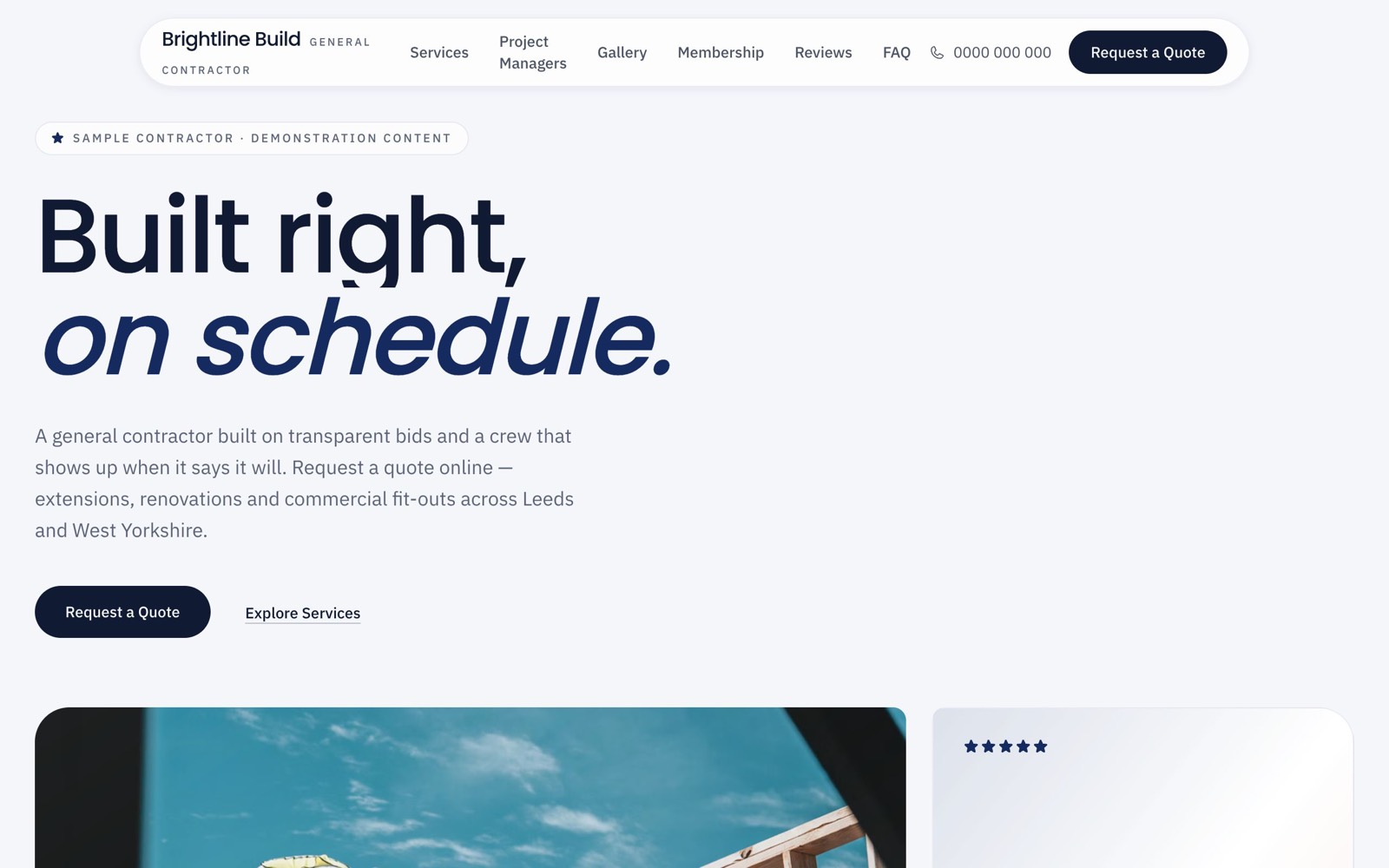
The construction preset and Vantage presentation produce this homepage. Your agency supplies approved copy, branding and appropriately licensed imagery.
 View full-size screenshot (opens in a new tab)
3. Capture the project enquiry
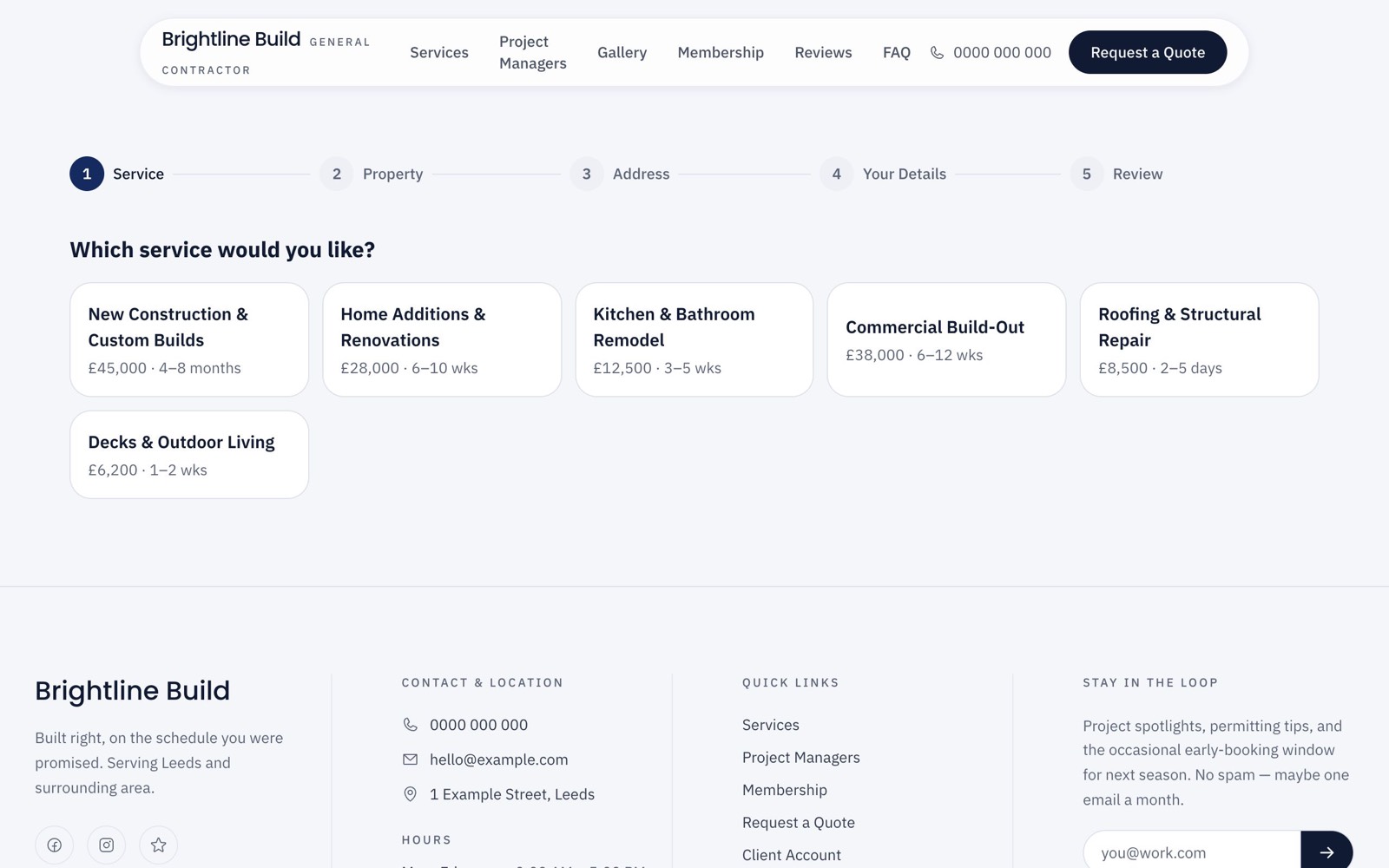
The quote flow gathers service, property, address and contact details before review. The shown prices are sample data, not quotes from an actual contractor.
 View full-size screenshot (opens in a new tab)
4. Review requests in admin
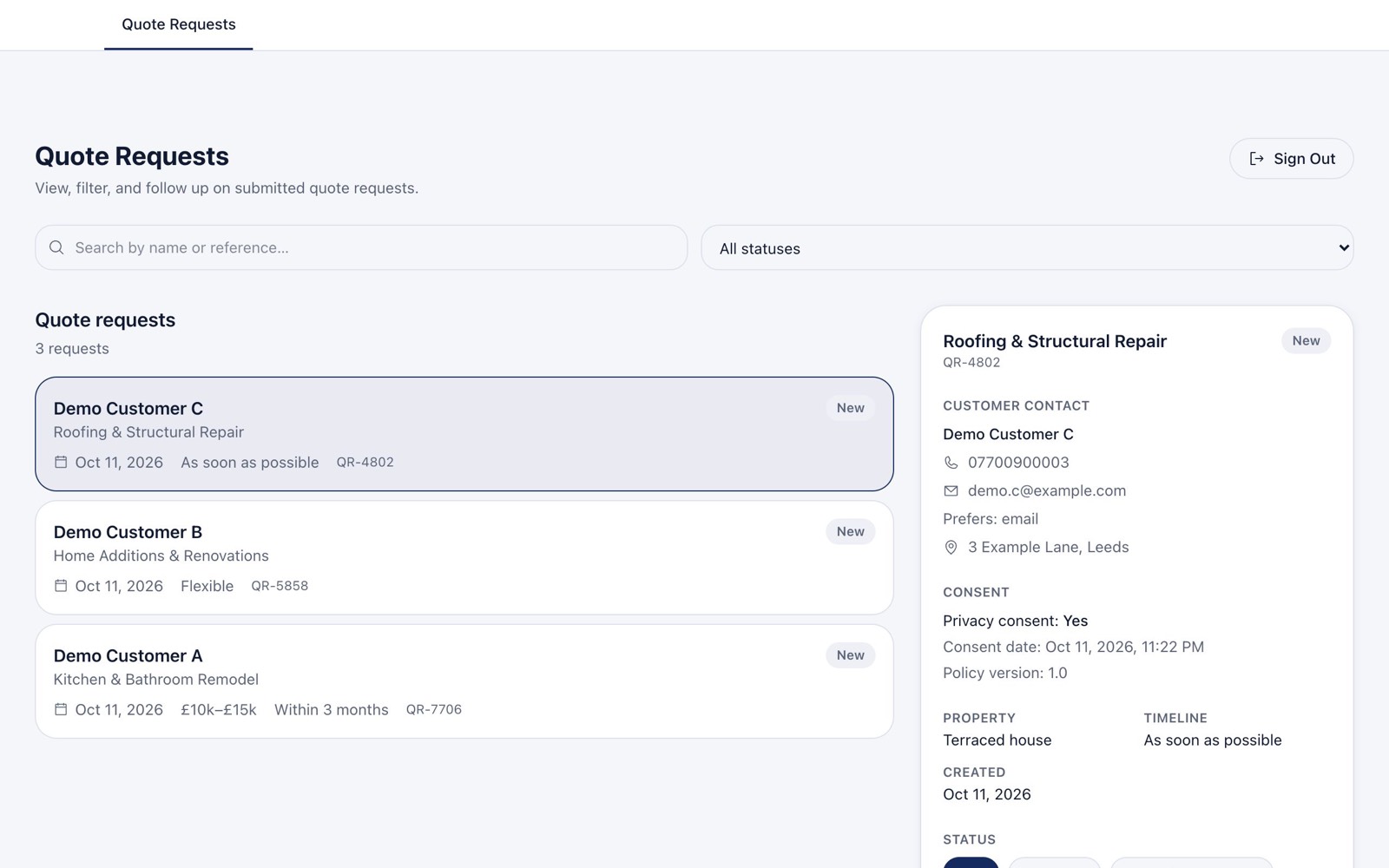
Three synthetic requests were submitted through the engine’s form API for the original demonstration. The admin shows search, status filtering and request details.
 View full-size screenshot (opens in a new tab)
Appointment businesses use the booking workflow and appointments admin instead. A developer configures and maintains each separate client deployment.
See it against your next client brief.
Bring a typical project. Mukarram can demonstrate the setup and workflows, explain what your team would own, and discuss licence scope and budget.